

Free business plan software is easy to find. You can download a template, complete a set of prompts, or use an AI business plan generator to create a polished draft in minutes. Tools such as stratea.ai can make the planning process more accessible, but speed alone is not the standard that matters.
The real question is whether the tool helps you make better business decisions. A finished-looking document is not automatically a useful plan. It still needs a clear customer problem, realistic market assumptions, a workable operating model, and financial projections you can explain with confidence.
The best free business plan software helps you think through those decisions as you build. It should do more than fill pages—it should help you identify what needs evidence, where the numbers need refinement, and whether the plan can hold up when a lender, investor, or advisor starts asking questions.
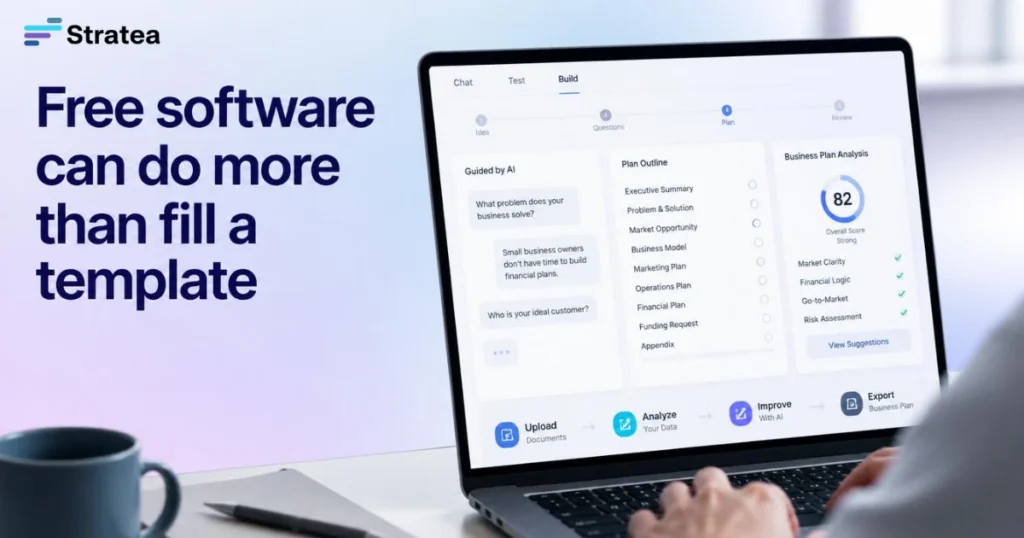
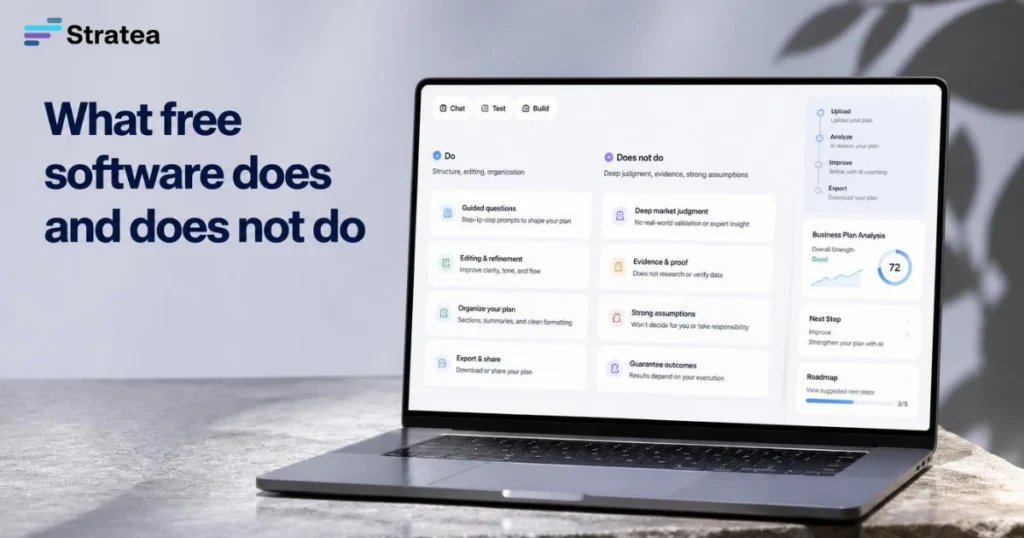
What Free Business Plan Software Actually Does (and Doesn’t)
Free business plan software falls into a few clear categories, each with different trade-offs.
Template generators give you a structure and example text. You fill in the blanks, and you have a plan. They’re useful if you already know your market, numbers, and go-to-market strategy. They’re less useful if you’re still figuring out who your real customer is or how you’ll actually deliver.
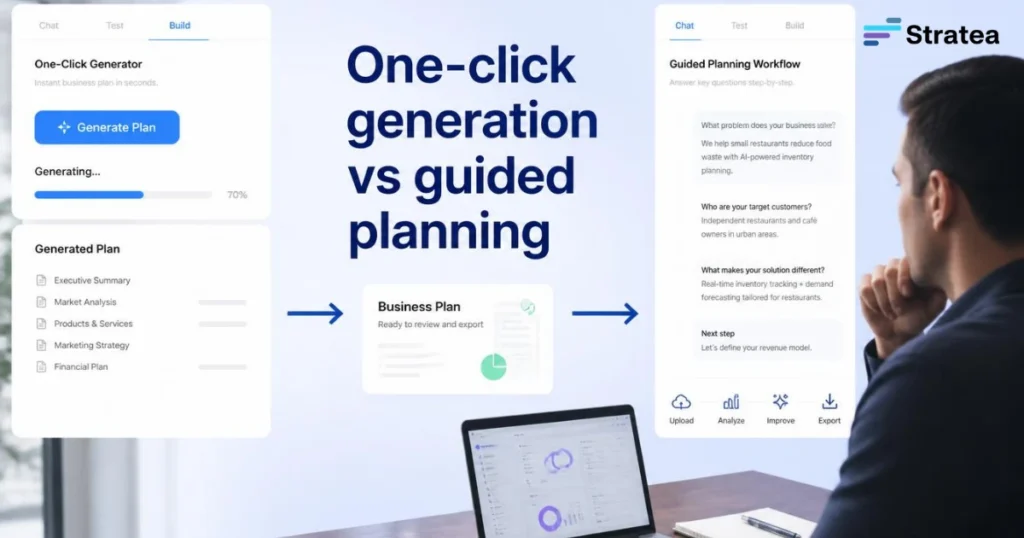
One-click AI generators take your pitch or a few details and produce a full plan in seconds. They work well for getting something on paper quickly. But they also bake in assumptions you didn’t choose. A good generator might pick a market size from public data that doesn’t match your actual target customer. It might assume you’ll hire before you validate demand. It might project growth based on industry averages that don’t fit your constraints.
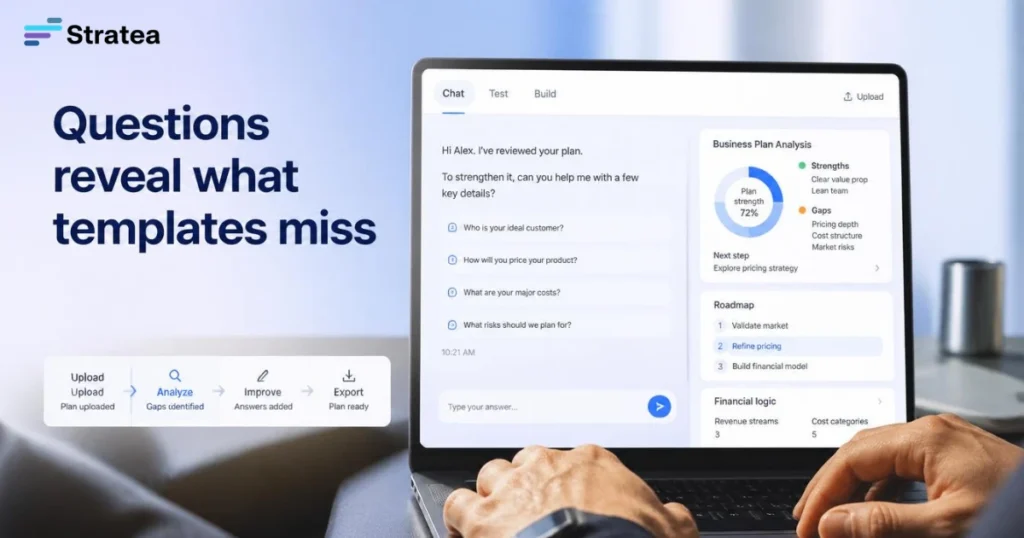
Guided planning workflows ask you questions, listen to your answers, and help you build the plan piece by piece based on what actually matters to your business. They’re slower than one-click generation, but they surface the thinking that makes a plan defensible.
None of these tools will write your business plan for you if you don’t know what your business actually does. All of them assume you’ve done at least some homework. The question is which one helps you think clearly and which one just helps you generate text.
One-Click Generators vs. Guided Planning Workflows
The difference between these approaches matters most when you’re building a plan that needs to work for real decisions.
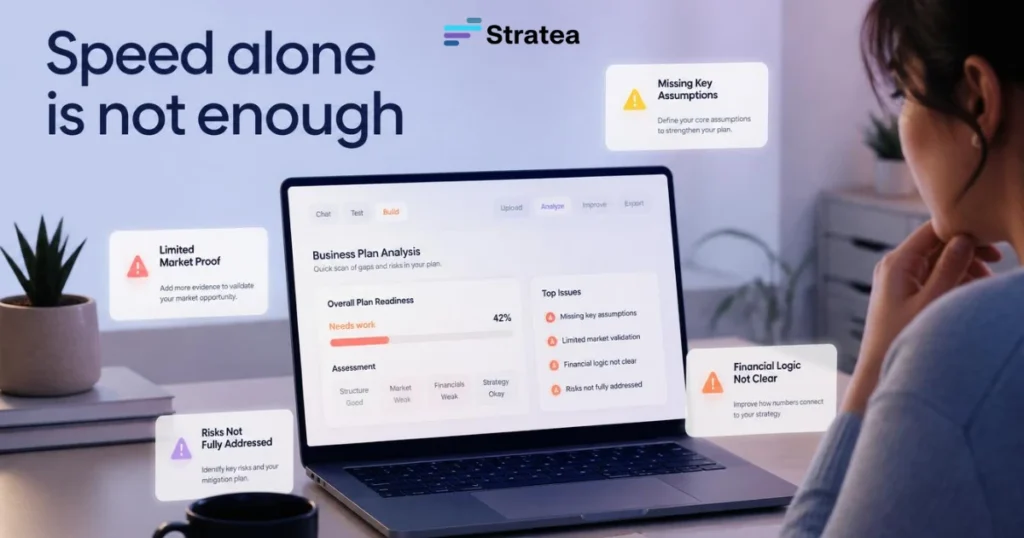
Why Speed Isn’t Enough
One-click generators are fast because they don’t ask many questions. They make reasonable guesses: they estimate market size from industry reports, project growth curves from comparable businesses, and outline a go-to-market strategy based on your stated business type. For a simple business plan that sits on your shelf, that’s fine. For a plan you’ll use to make hiring decisions, negotiate with partners, or present to a lender, speed becomes a liability.
Here’s what tends to happen. You input “mobile pet grooming service.” The tool estimates a $2 billion annual U.S. market, projects that you’ll reach 2% of your local market by year three, and suggests you’ll need two additional employees by month 18. None of that is wrong, exactly. But it’s also not your plan. You haven’t decided whether you want to hire. You haven’t validated whether $2 billion in addressable market means anything to a business that only serves one neighborhood. You haven’t tested pricing or customer acquisition cost. The plan looks complete, but it doesn’t reflect your thinking.
When a reviewer—a loan officer, a partner, an advisor—reads that plan, they’re not checking whether the format is right. They’re checking whether your numbers come from real assumptions you can explain. If you can’t explain where they came from, the plan loses credibility.
What Questions Uncover That Templates Miss
Guided planning asks you to make explicit choices instead of accepting defaults.
Why do you think customers will buy? Not “the market is big” but “I spoke with 12 pet owners last month and 8 said they’d switch to a mobile groomer if pricing was under $50.” That’s an assumption you can test and adjust as you go.
How will you actually acquire customers? Not “online marketing and word-of-mouth” but “I’ll start with LinkedIn outreach to local pet sitters and veterinary offices who already know these customers. My first goal is 5 referrals. My target monthly spend is zero until I have 10 active clients.”
What’s your unit economics? Not “projected $120,000 year-one revenue” but “each grooming session takes 90 minutes door-to-door, I’ll charge $65, my van cost $40 per day in fuel and maintenance, so my margin per session is about $25. I need 8 sessions a week to hit my target income.”
Those questions take longer to answer. But once you’ve answered them, you have a plan you actually understand. You can adjust it as you learn. You can defend it in front of someone skeptical. And you can spot the parts that don’t work before you’ve invested six months trying to build around wrong assumptions.
How to Choose Free Software for Your Use Case
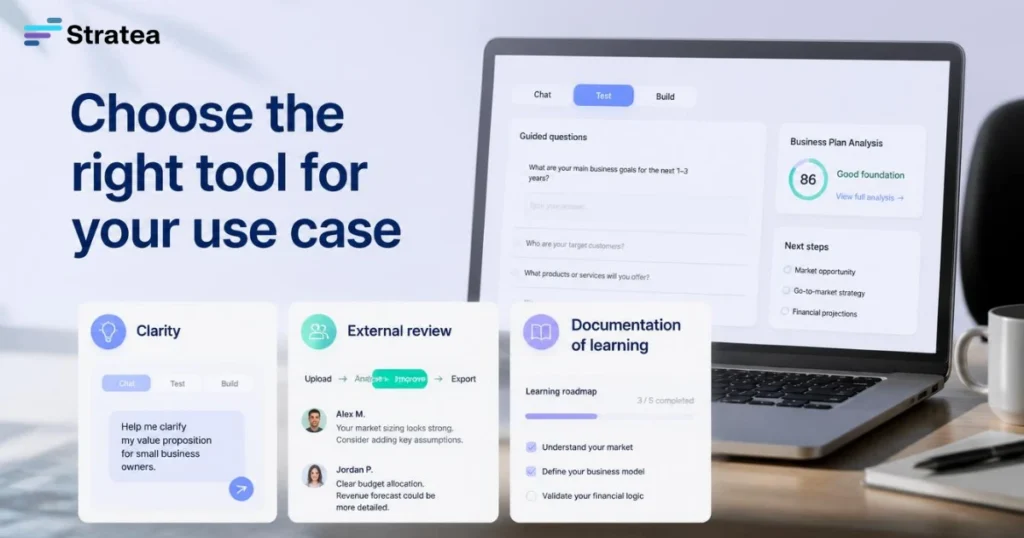
Different planning needs call for different tools.
Planning Just for Clarity (Internal Alignment)
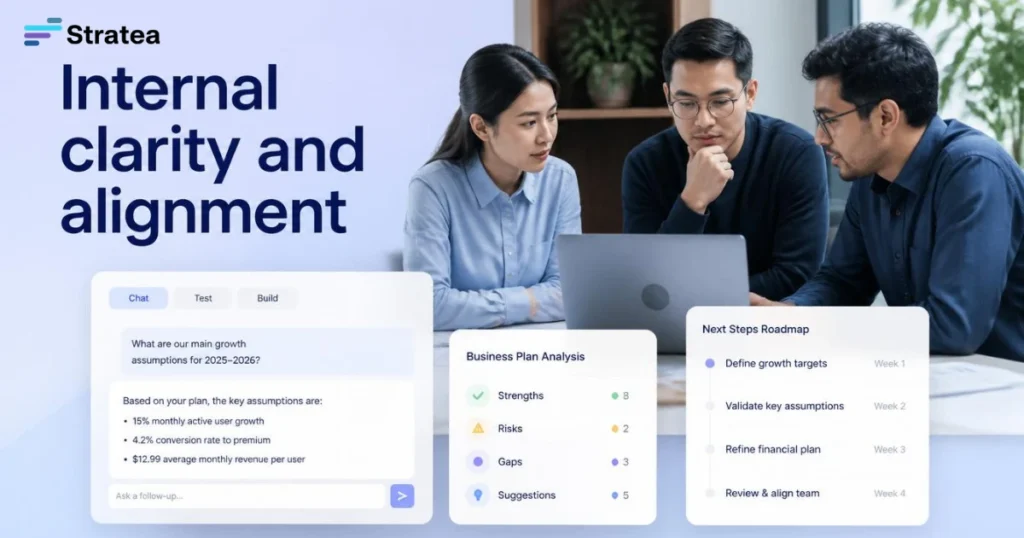
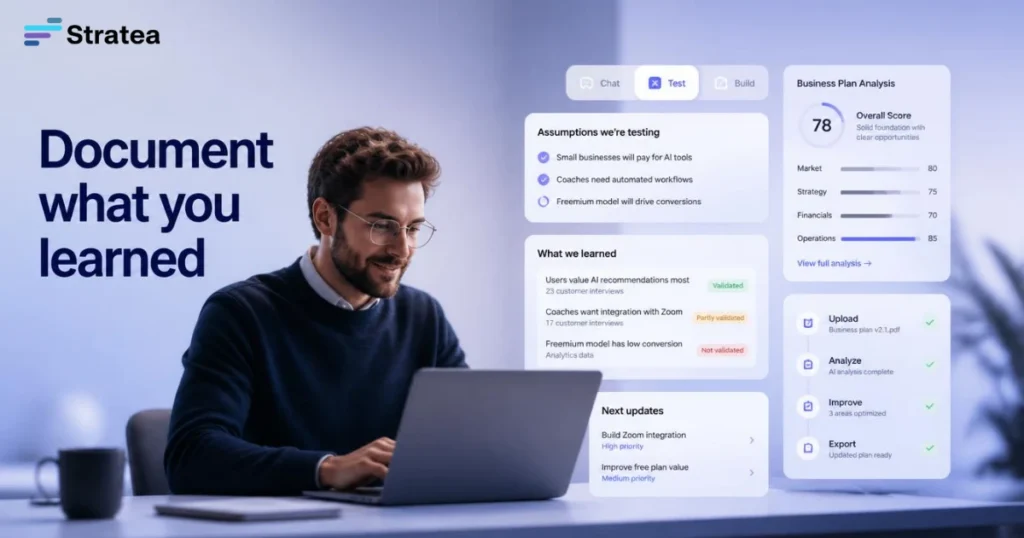
If you’re building the plan mainly to get your own thinking straight—to align with a co-founder, clarify what you’re actually trying to do, or document what you’ve learned so far—you need a tool that helps you ask good questions and capture what you discover.
A template works here if it’s simple and flexible enough to accept your real answers instead of pushing you toward standard text. An AI generator can work if you use it as a thinking partner, not as a document generator (prompt it with your real assumptions and ask it to stress-test them). A guided workflow is ideal here because it structures the questions without forcing predetermined answers.
Planning for External Review (Loan, Investment, Partnership)
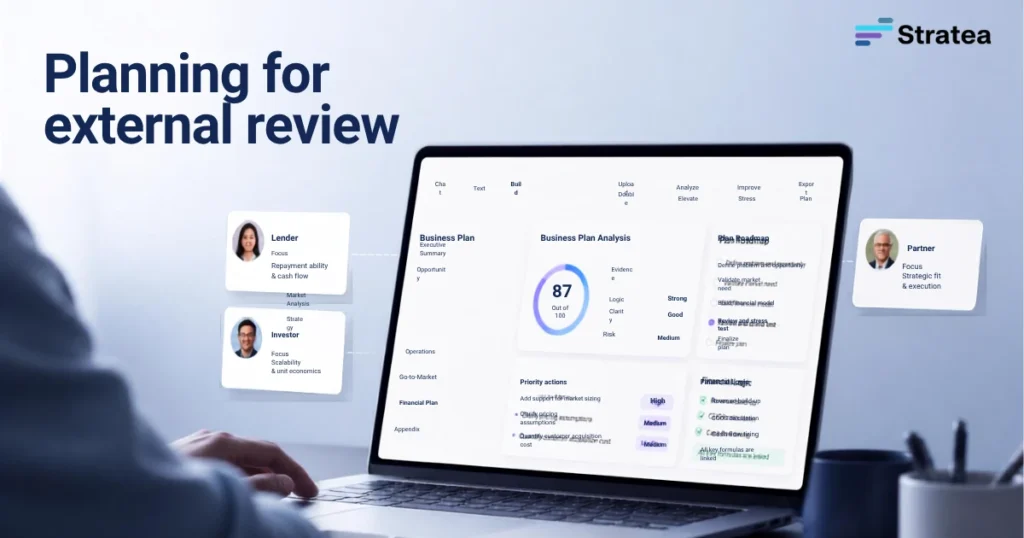
If you’re building the plan to present to a lender, investor, or partner, you need something that produces a document they can review and trust. You also need a plan where every number and assumption can be explained.
One-click generators are riskier here because you’re relying on their assumptions, not yours. Templates work if you have the time to fill them in correctly and if you understand the reasoning behind each section. Guided planning is strongest here because it builds the logic you’ll need to answer follow-up questions.
Planning to Document What You’ve Learned
Some founders build a plan as they grow, documenting what actually happened versus what they assumed. This requires flexibility to update numbers, note what surprised you, and adjust your roadmap based on reality.
A template can work if you’re disciplined about updating it. A one-click generator isn’t ideal because you’ll quickly outgrow its static assumptions. A guided workflow with an editable draft is best because you can keep the structure and evolve the content as you learn.
What Reviewers Actually Check (And Why It Matters)
Understanding what a lender, investor, or partner actually looks for in a business plan changes how you approach free tools.
Reviewers don’t care how polished the document looks. They care whether your assumptions make sense and whether your roadmap is realistic. Specifically, they check:
Do the numbers connect to real thinking, or are they guesses? If you say you’ll get 50 customers by month six, does the plan show how you’ll actually reach them? Do you have a cost per acquisition? Are you assuming word-of-mouth, paid ads, or sales calls? If you can’t explain it, the number loses credibility.
Are the financial projections grounded in unit economics, not just a growth curve? A reviewer wants to see that you’ve thought through how much each customer costs you to acquire, what margin you make per transaction, and how many transactions you can handle with your current team. “Year one revenue $150,000” means nothing. “Three team members, 20 bookings per week, $60 per booking, 40% margin after ops costs, so $31,200 monthly revenue by month nine” is something they can evaluate.
Is the go-to-market strategy specific or generic? “We’ll use digital marketing and partnerships” is generic. “We’ll partner with local veterinary clinics who’ll refer us to their premium clients, and we’ll offer the vet office a 10% commission on the first service. We’ll also run a $200 test campaign on Instagram to a 1-mile radius around our location” is specific enough to evaluate.
Does the plan acknowledge risks and constraints? A reviewer is suspicious of a plan that assumes everything goes right. A plan that says “If customer acquisition costs are 20% higher than projected, we’ll extend the timeline to reach profitability by two months and adjust our hiring timeline accordingly” shows you’ve thought it through.
None of these checks require fancy software. They require thinking. The right free tool is one that helps you think in these terms instead of just filling in template blanks.
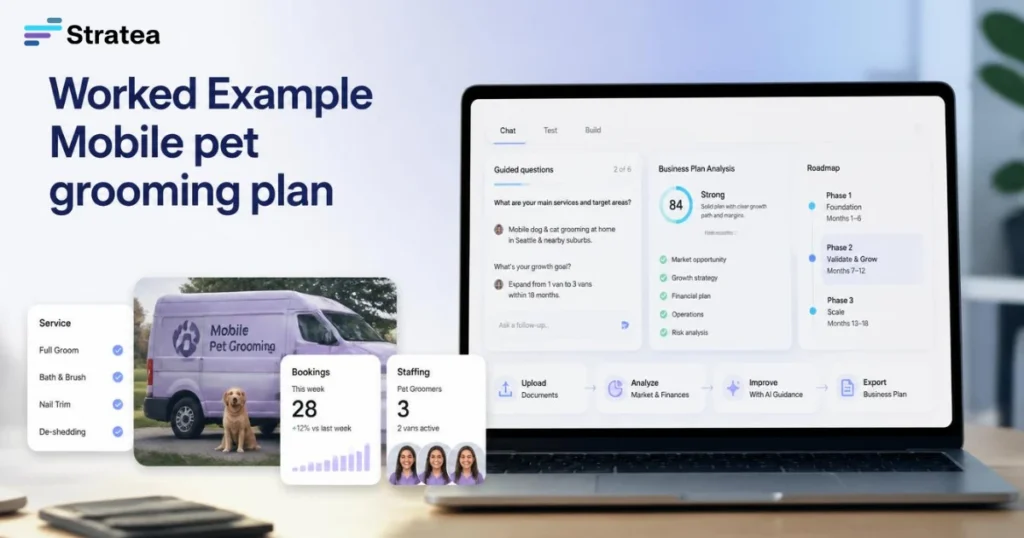
Worked Example: Mobile Pet Grooming Service Scaling Up
Where the Founder Started
Maya started her mobile pet grooming business three years ago with one van, grooming 15-20 pets per week at $65 per session. She’s profitable on $40,000 annual revenue and has waitlisted customers for three months out. Now she’s deciding whether to hire a second groomer, buy a second van, and scale to two neighborhoods.
She grabbed a free business plan template online to help her think through the decision. The template asked her to fill in year-one revenue projections, a market opportunity section, and a competitive overview. Maya put in numbers: $120,000 annual revenue if she hired one full-time groomer and got to 40 weekly bookings across two vans. She found industry data showing the pet grooming market was worth $6 billion nationally. She noted that competitors were small, independent operators with limited online presence.
The plan looked professional. It was missing something crucial: whether hiring actually made sense for her specific situation.
What Free Tools Missed
Maya hadn’t thought through several things a guided planning workflow would have forced her to address.
First, the quality and cost of hiring. She found a groomer, but onboarding took four weeks longer than expected, and the new hire’s efficiency was 30% lower than hers in months one and two. A template doesn’t ask how long hiring takes or how you’ll handle the ramp-up cost.
Second, the real unit economics of the second van. Gas, insurance, and maintenance for a second vehicle cost $500 more per month than Maya’s rough estimate. Her pricing stayed at $65 per session, but margin per session dropped from $40 to $28. A template might have asked her revenue projection, but it didn’t ask her to break down per-session costs.
Third, customer acquisition beyond wait-lists. Her first van’s customers came mostly from referrals and walk-ins. The second van had to rely more on Facebook ads and Google Local Services, which had a different customer acquisition cost and required ad spend she hadn’t budgeted. The template asked if she’d use “online marketing,” but it didn’t ask her to define how much it would cost or how long it would take to show results.
Fourth, capacity constraints during the learning phase. Maya had assumed she’d manage both vans and one groomer herself while training, then step back. In reality, she spent 15 hours per week on admin, scheduling, and quality control during the transition. That’s time she wasn’t available for her own grooming clients, which meant the second van’s growth was slower than her projections. A guided workflow asks how many hours you have available and what you’ll give up.
What Guided Planning Uncovered
If Maya had used a tool that asked guided questions instead of just requesting big numbers, she would have built a more realistic plan.
A guided workflow would have started with the core decision: “What will determine whether this hire succeeds?” That forces her to say “Grooming quality needs to stay within 10% of my standard. Scheduling efficiency needs to reach my speed by week eight. New van profitability needs to be positive by month five.”
Then: “What’s the risk that any of those things don’t happen?” Maya would have thought through the hiring process, the training timeline, and the quality bar she needed to maintain. She would have set a decision point: “If the new groomer isn’t at 90% efficiency by week eight, we pause the second van expansion and revisit in three months.”
For unit economics, a guided approach would ask her to calculate: cost per session (labor, vehicle, overhead), session price, sessions per vehicle per week, margin per session, and monthly target revenue. When she works through those numbers guided step by step, she spots gaps. She notices that her target margin assumes zero customer acquisition cost for the second van. She realizes that’s unrealistic and adjusts her numbers.
For go-to-market, the tool would ask: “Which customer acquisition channels work for van two? What’s your target cost per acquisition? How many bookings do you need per week to break even? When will you know if the channel is working?” Maya would decide to start with a $100 test campaign and a 30-day check-in instead of assuming growth would follow her first van’s organic path.
By the end, Maya has a plan she understands deeply and can adjust quickly as reality shows up differently than her assumptions.
Common Mistakes Founders Make With Free Tools
Trusting a generator’s assumptions as your own. If an AI tool suggests you’ll reach 10,000 customers in year three, and you don’t know why or how, you’ll spend the year chasing a number that may not be realistic. Use generators to draft text, not to set strategy.
Leaving the numbers disconnected from reality. Year-one revenue and year-one customer acquisition have to connect. If you say 500 customers, you need to explain how you’ll get them, what they’ll cost you to acquire, and whether that fits your cash runway.
Assuming one plan works for multiple purposes. A plan for internal alignment is different from a plan for a bank loan. A plan for a founder to understand their business is different from a plan to pitch an investor. Pick your main use case first, then choose a tool that serves it.
Treating a plan like a forecast instead of a hypothesis. Your first-year projections aren’t predictions. They’re your best assumption about what could happen if everything goes roughly as planned. If you frame them that way, it becomes easier to update them when reality shifts.
Skipping the assumption-building and jumping to the document. This is the biggest trap with one-click generators. You get a polished-looking plan that skips the thinking. That plan won’t survive the first hard question from a reviewer.
FAQ
Q: Is a free business plan tool enough if I’m applying for an SBA loan?
A: A free tool can help you build the thinking and structure a loan officer needs to see. An SBA lender is checking whether your assumptions are realistic, your numbers connect to real unit economics, and you’ve thought through how you’ll use the loan. You can build that with a guided free tool. What matters is not the price of the software, but whether your plan shows clear assumptions and realistic projections. You’ll likely want to work with a business advisor or accountant to review the numbers before submitting, but that’s true regardless of the tool.
Q: Can I use a free tool to build a plan that’s also investor-ready?
A: Investors check the same fundamentals as loan officers: realistic assumptions, clear market understanding, and a credible go-to-market plan. A free tool can help you build all of those. What you won’t get from a free tier is professional formatting, investor pitch-ready graphics, or pre-built slide decks. Some free tools offer export to Word or PDF, which is fine for review. If you want a polished investor deck, you may eventually need to upgrade or invest in design, but that’s separate from the planning itself.
Q: What’s the difference between a business plan and a business model canvas or one-page plan?
A: A business model canvas is a visual summary of nine key elements (customer, value proposition, channels, revenue model, partners, resources, activities, costs, revenue). It’s useful for quick thinking and alignment. A one-page plan is a compressed narrative version. A full business plan goes deeper into each section: detailed market analysis, financial projections, operational roadmap, and contingency thinking. For an early-stage founder, a canvas or one-pager might be enough. For a founder seeking funding or a loan, a fuller plan is stronger. Use the tool that matches your actual need, not the longest one available.
Q: If I already have a rough business plan draft, should I start over with free software or try to improve what I have?
A: Start by auditing what you have. If your draft has clear assumptions and grounded numbers, improve it instead of starting fresh. If it’s mostly template text with guessed numbers, you might need a guided workflow to help you think through what’s actually true. Some tools let you upload or paste a draft and then improve it with guided questions. That’s a good middle ground if you want to avoid starting completely over.
Q: How often should I update my business plan?
A: At minimum, quarterly. More often if something major changes: a new competitor, a key customer win or loss, a shift in your go-to-market strategy, or a significant cost change. Treat the plan as a living document. Every update is a chance to check whether your assumptions still hold or whether you need to adjust your roadmap based on what you’ve learned.
Next Steps
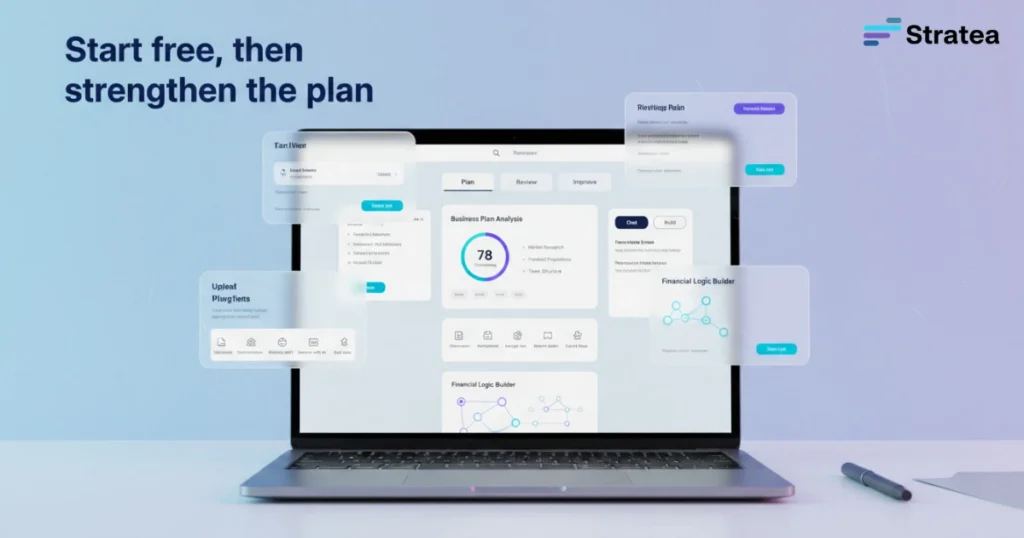
If you’ve been putting off a business plan because free tools felt shallow or paid software felt expensive, now’s the time to start. A good free tool is one that helps you build real thinking, not just generate text. Try a guided planning tool like STRATEA free to see whether the questions help you clarify what you actually need to build.
Start Strategic Discovery with STRATEA. Build the assumptions you’ll defend, not just the document you’ll file away. You’ll move faster, spot problems earlier, and make better decisions when you have thinking to back them up.
STRATEA is free to start, with advanced or continued capabilities connected to paid plans. See where your planning actually needs help.